Your AI gaming bro.
Always one hotkey away.
Press F9 mid-game. Ask anything. Get instant answers by text, voice, or screenshot — without ever leaving your game.
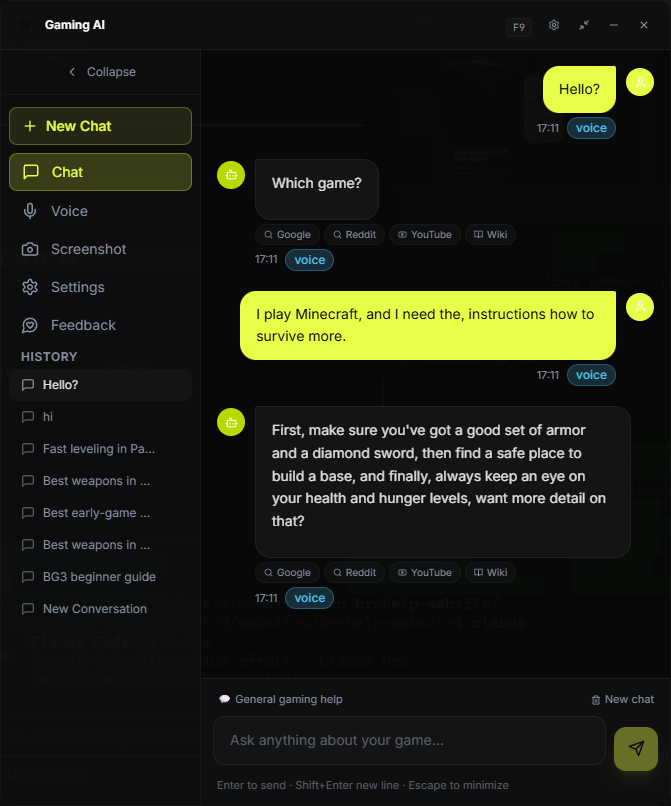
Three ways to get help. Zero interruptions.
Type your question
Press F9. The overlay appears over your game. Type any question — item builds, crafting recipes, quest steps, boss weaknesses. Get an answer in under a second.
Screenshot + analyze
Press your screenshot hotkey. BroHelp auto-captures your screen, opens the AI with full visual context. Ask "what should I build next?" and it sees exactly what you see.
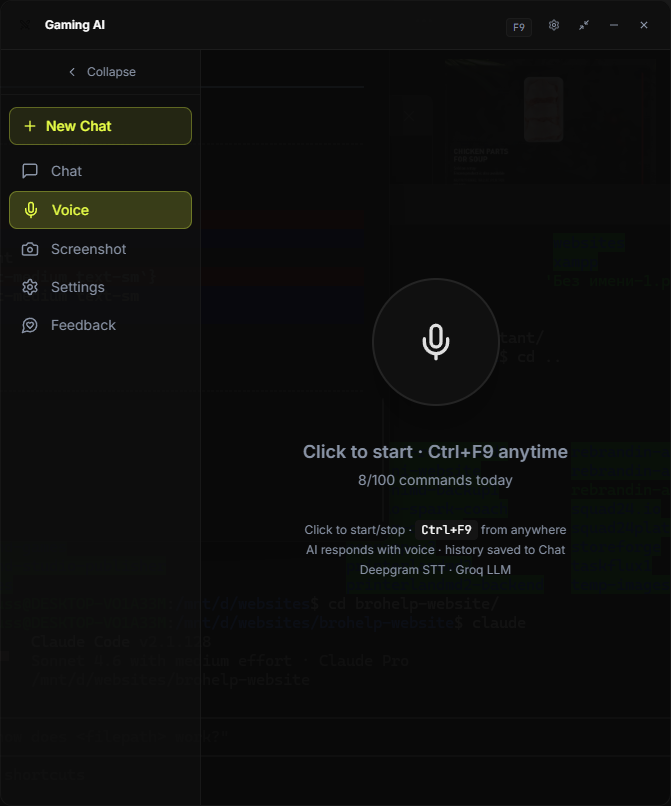
Talk hands-free
Activate voice mode and just ask out loud. BroHelp listens, answers by voice, and you never take your hands off the keyboard or controller.
Built for the way you actually play.
Faster than your wiki tab
Powered by Groq inference. Ask a question, get a full answer before the next creep wave. No loading spinners. No waiting.
It sees what you see
One hotkey captures your screen and sends it to a vision AI. Ask "what's the best move here?" and BroHelp analyzes your inventory, the map, the enemy lineup — everything on screen.

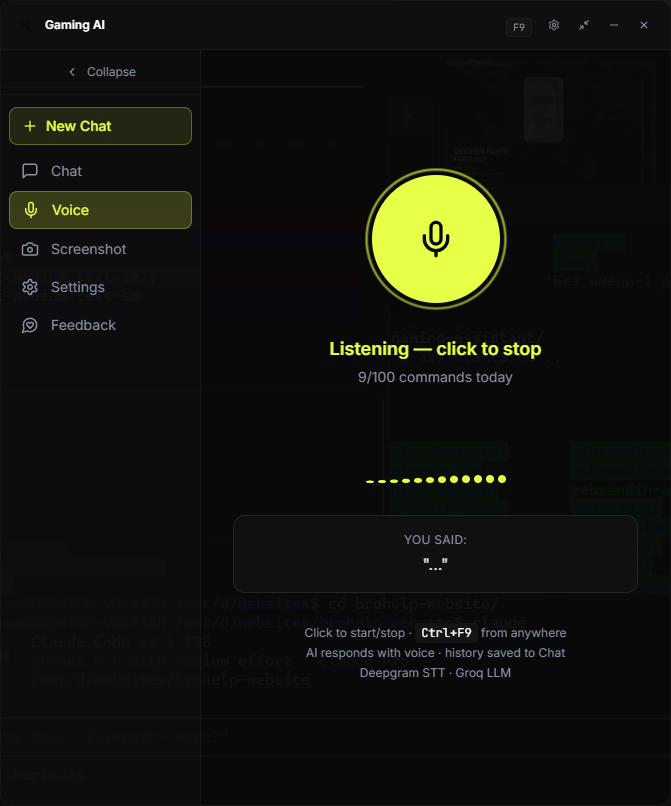
Ask with your voice. Hear the answer.
Natural voice input via Whisper. Responses read aloud by a natural-sounding voice. Keep your hands on the mouse, your eyes on the game.
One tool for every game in your library
Dota 2, Minecraft, Elden Ring, Path of Exile, Baldur's Gate 3, Valheim, Stardew Valley, Cyberpunk, FFXIV, OSRS, and dozens more. New games added every week.
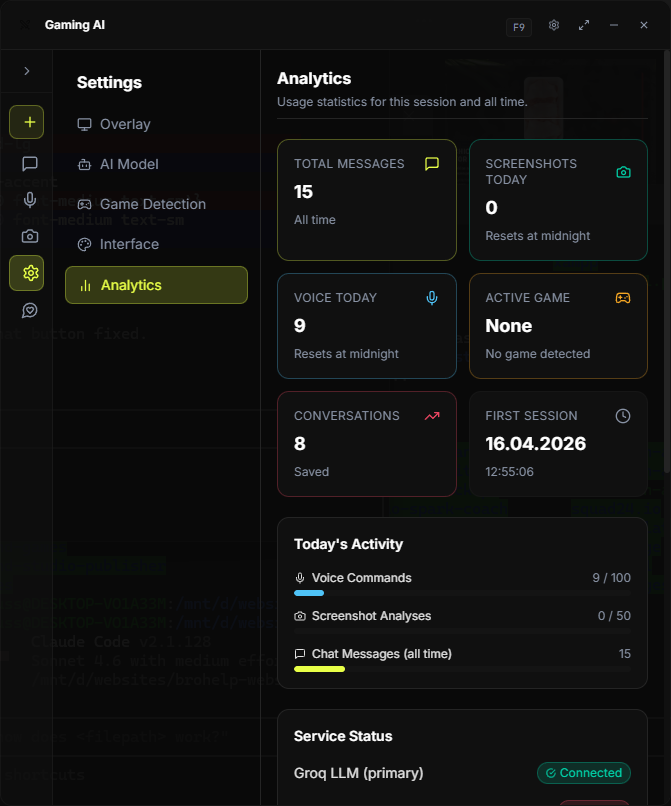
5MB install. ~15MB RAM.
Built with Tauri, not Electron. It idles in the background at near-zero resource cost. No FPS drops. No stutters. No bloat.
Works with games you actually play.
Don't see your game? BroHelp works with any game — just ask. The knowledge base expands continuously.
Watch BroHelp answer a Dota 2 question in real-time.
Built in the open for players and builders.
BroHelp AI is open source, so gamers can inspect the code, follow development, and contribute improvements to the overlay, game support, and assistant workflow.
Track releases, review the alpha roadmap, and contribute fixes directly on GitHub.
Start free. Upgrade when you're hooked.
No credit card required to start. Cancel anytime.
$0 / forever
- 20 AI queries per day
- Text input only
- Works with all supported games
- Lightweight overlay
- Voice input/output
- Screenshot analysis
$6.99 / month
- Unlimited AI queries
- Voice input + responses
- Screenshot analysis (vision)
- All supported games
- Priority response speed
- New game packs included
$49 one-time
- Everything in Pro
- Lifetime updates
- All future game packs free
- Founding member badge
- Direct feedback channel
Common questions.
Will BroHelp get me banned in competitive games?
Does it work while the game is in fullscreen?
How fast are the responses?
What games are supported?
How much RAM does it use?
Can I use it on multiple PCs?
Stop alt-tabbing. Start playing smarter.
Join the alpha waitlist and get notified as soon as access opens.